Book Import to NotebookLM
EPUB Books
ActiveEPUB mode is designed for structured ebooks, letting you keep the full book or narrow the import to selected chapters even when the embedded TOC needs recovery.
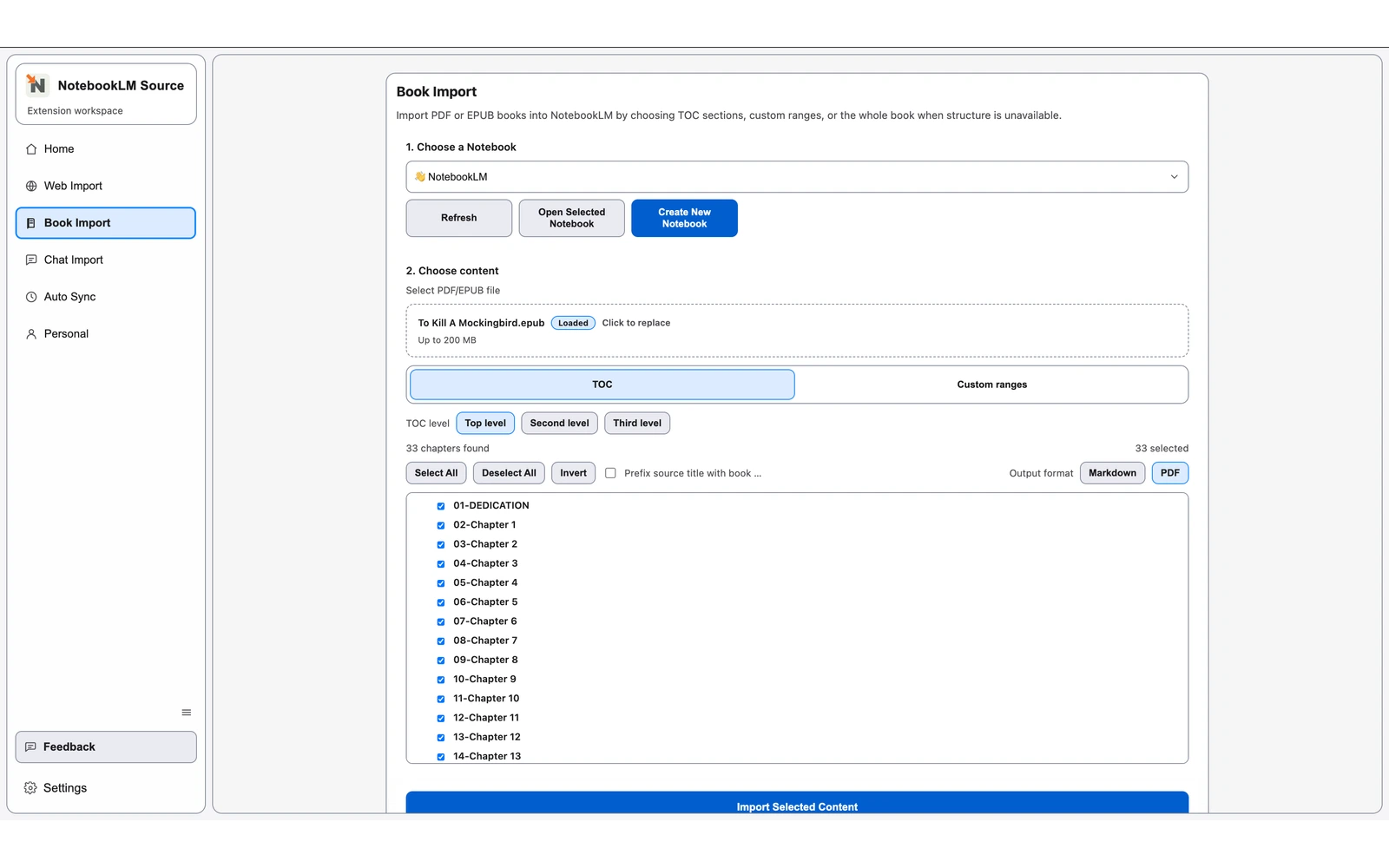
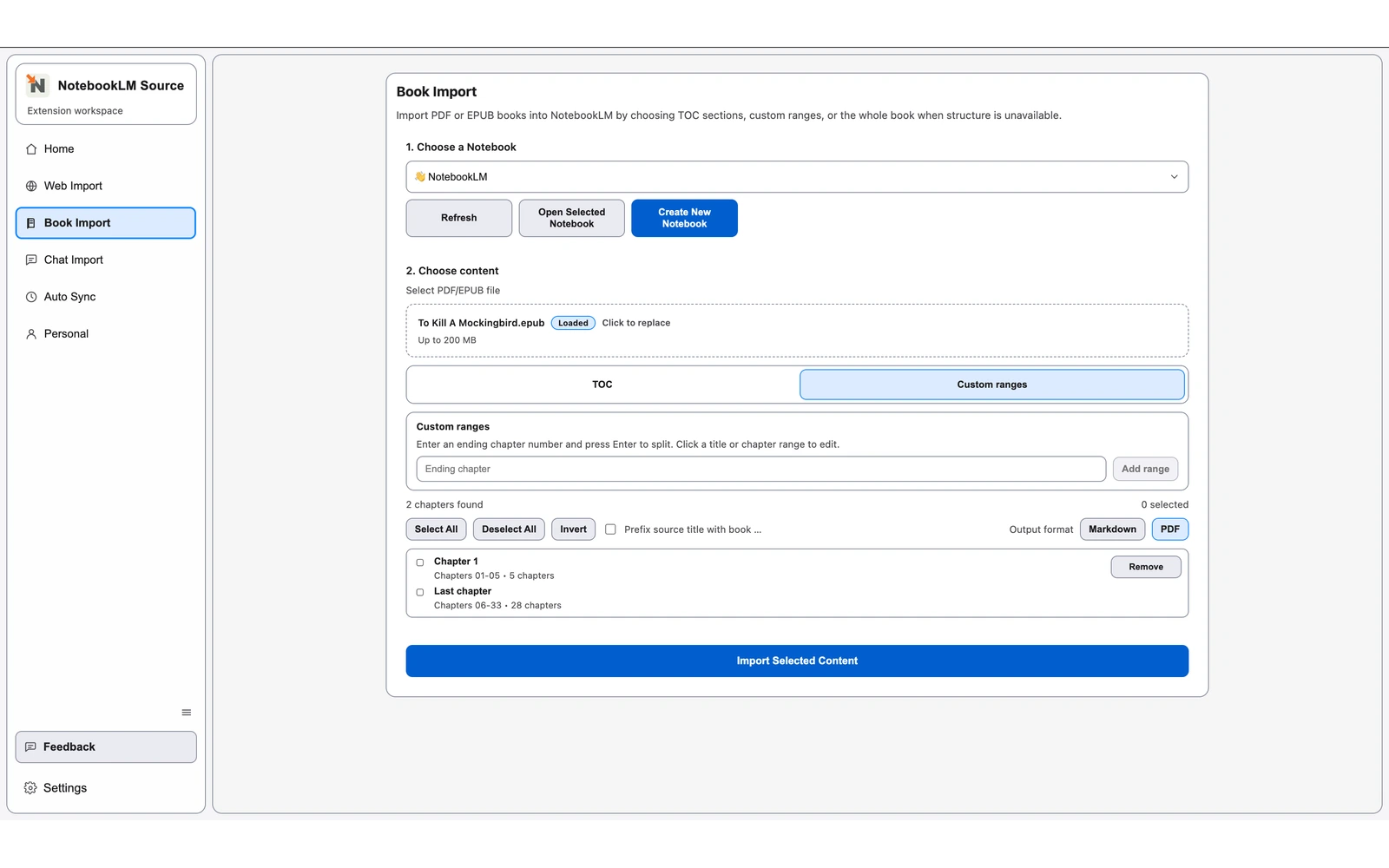
Chapter-tree selection for focused imports or full-book coverage.
TOC recovery from EPUB navigation, NCX, headings, or generated sections when needed.
PDF or Markdown output with TOC-level control and optional book-name prefixes.
- 1
Install the Chrome extension and open Book Import.
- 2
Choose the target notebook, then upload an EPUB.
- 3
Review the native or recovered chapter tree and keep all chapters or refine the selection.
- 4
Choose PDF or Markdown output and confirm the final source format.
- 5
Run the import and review the new sources in NotebookLM.
Related Pages
Continue with closely related pages in the same topic cluster.
- Book Import Overview for NotebookLM
Review the Chrome extension import options for PDF and EPUB book sources in NotebookLM.
- PDF Book Import for NotebookLM
Import a whole PDF, use generated page ranges, or split custom ranges before exporting PDF or Markdown sources.
- Browse Full Directory
Open the complete directory to discover more indexable pages.