Links
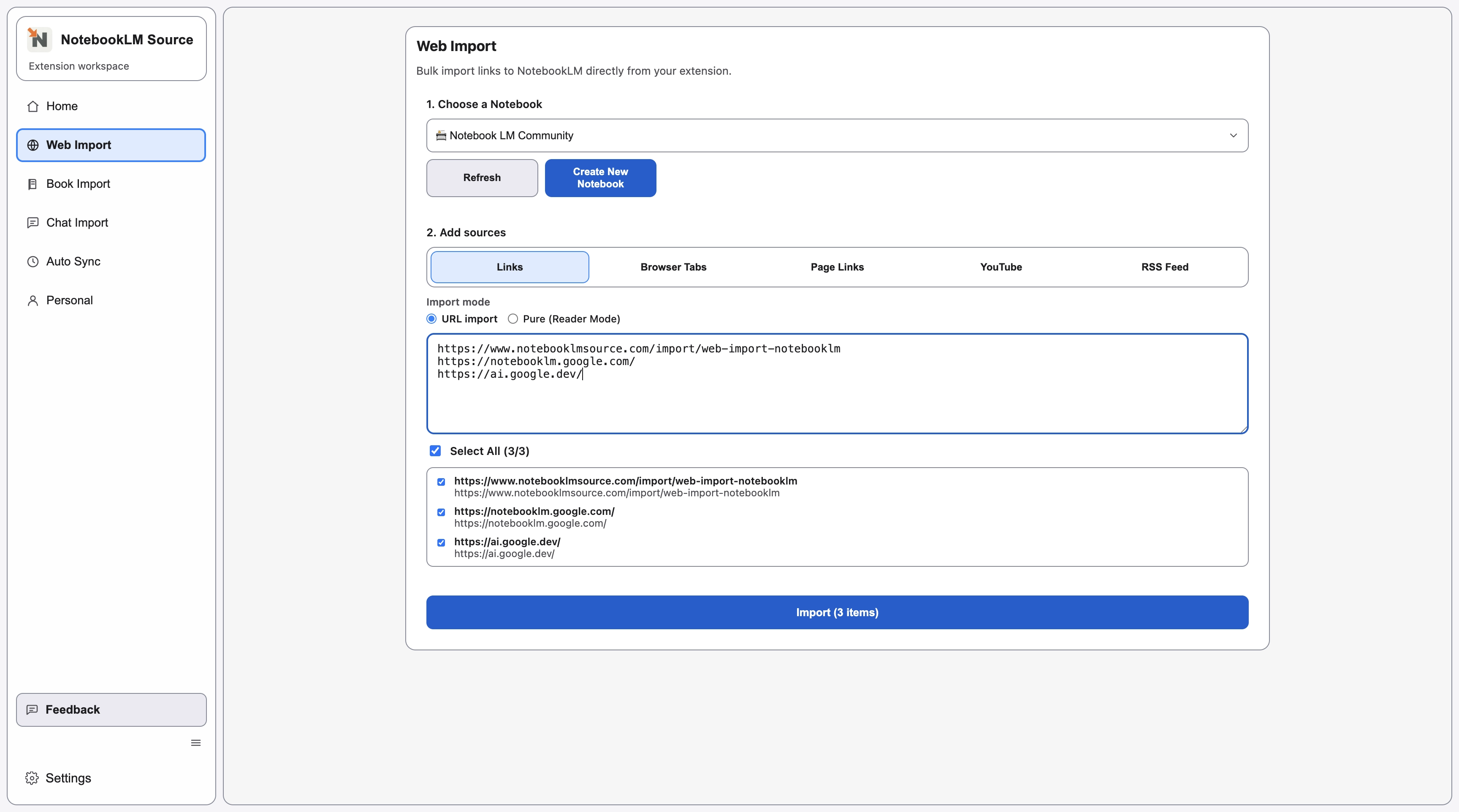
ActivePaste one or more URLs and import them in batch.
Choose a source type, follow the setup steps, and import clean NotebookLM-ready sources.
Paste one or more URLs and import them in batch.
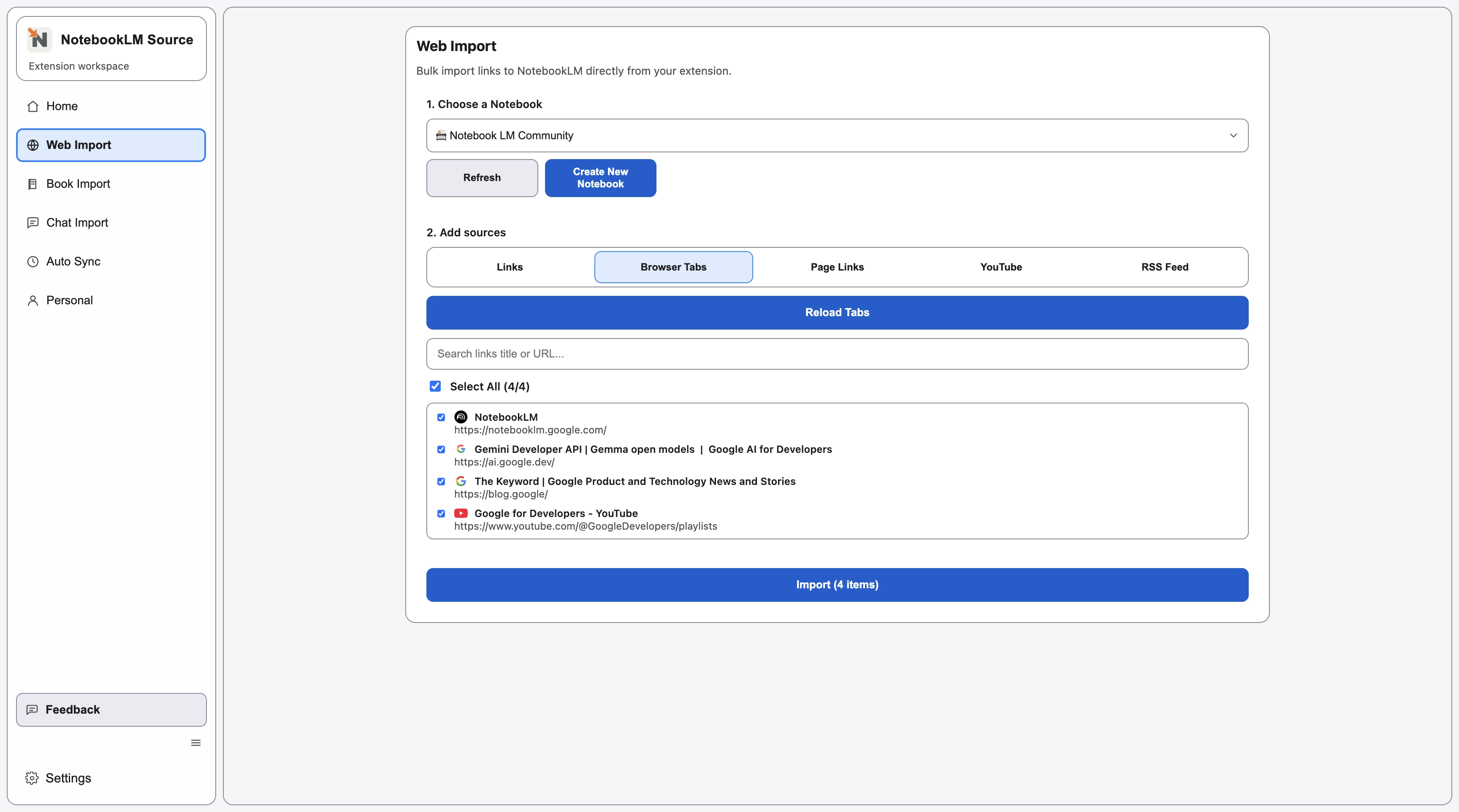
Load open tabs from your current window and import selected ones.
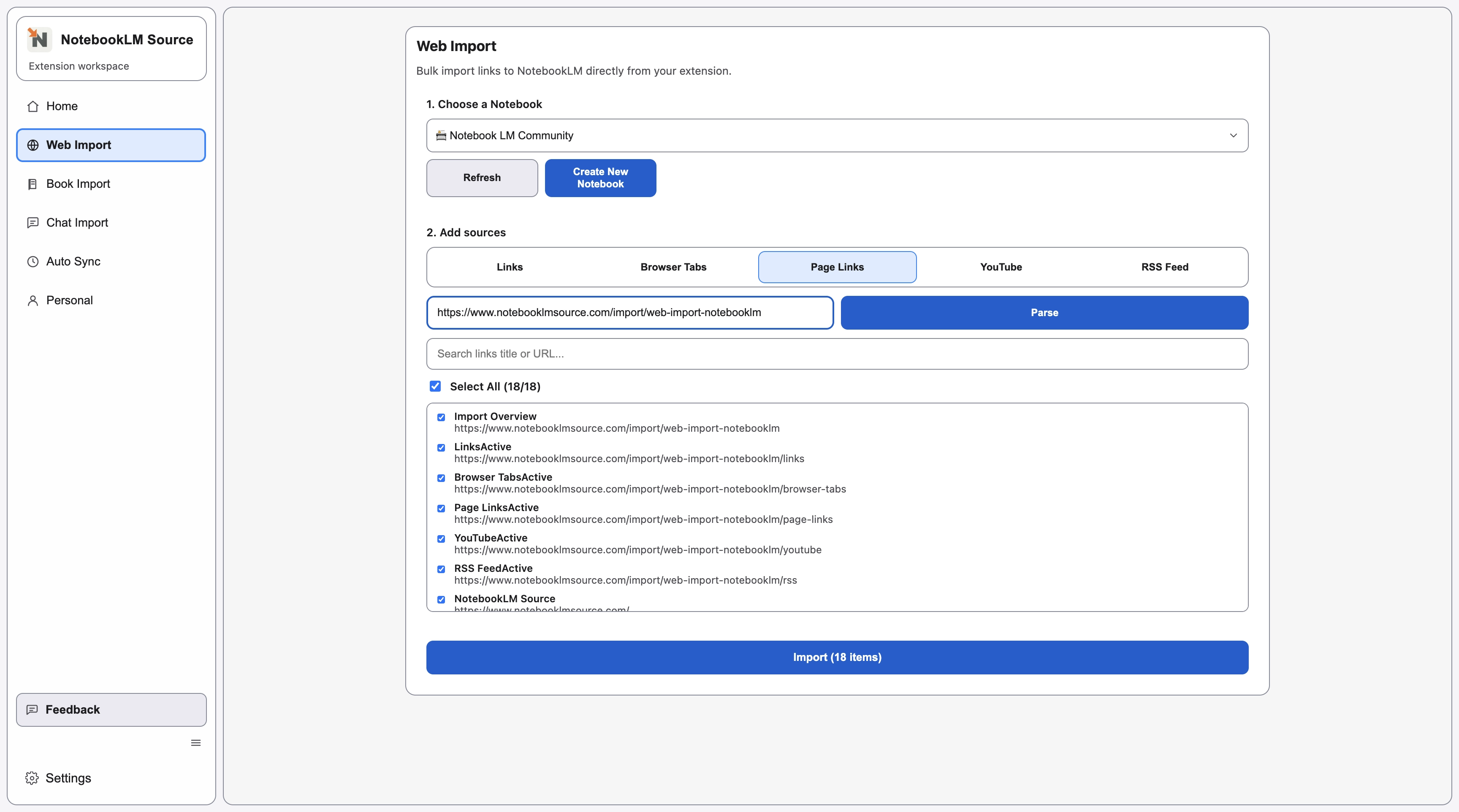
Extract links from a single page URL and import chosen results.
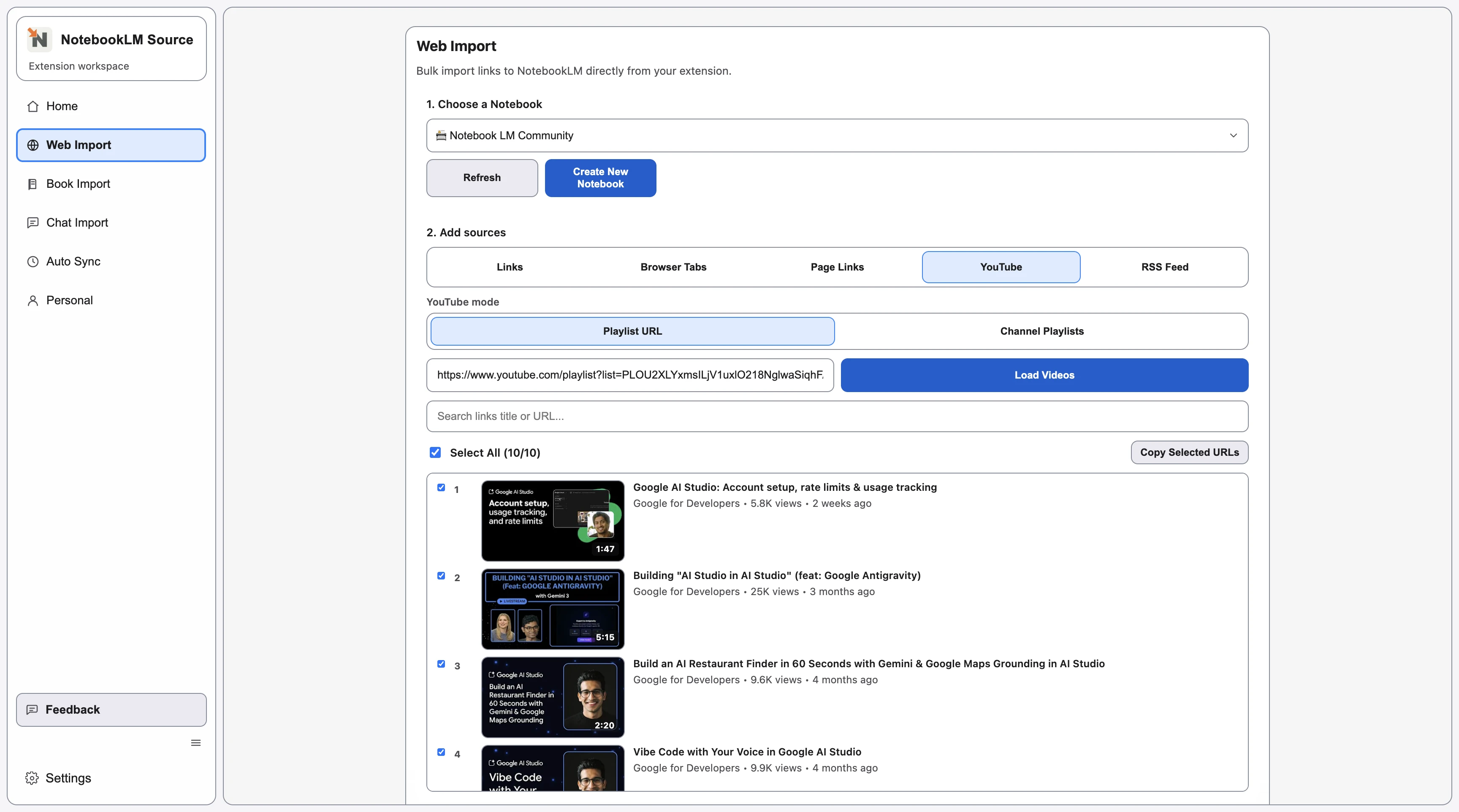
Import YouTube playlists or videos into NotebookLM sources.
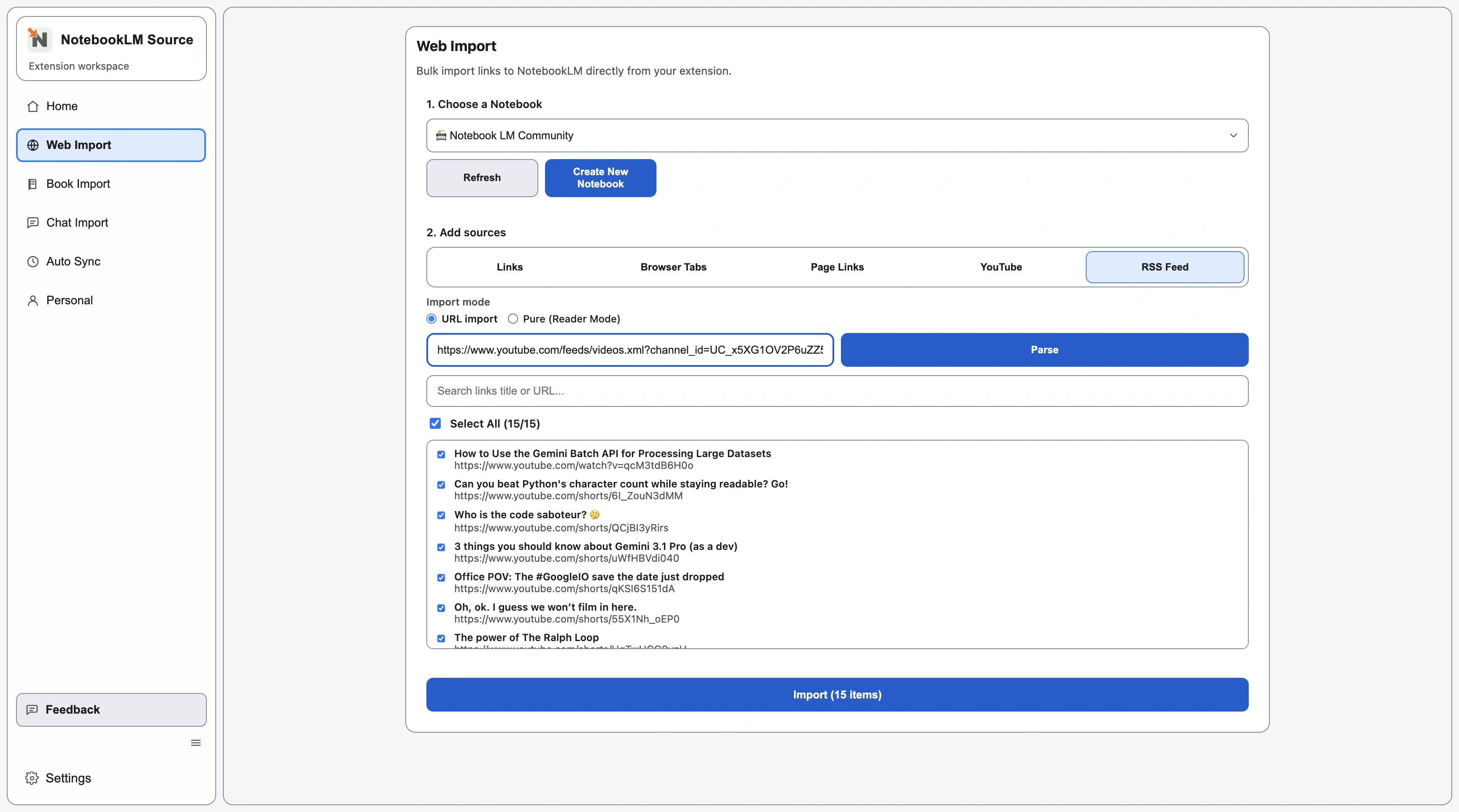
Parse RSS feed items and import selected entries.
Continue with closely related pages in the same topic cluster.
Batch import direct URLs into NotebookLM with the Links import mode.
Import YouTube playlists and videos into NotebookLM-ready sources.
Capture already-open tabs and send selected pages into NotebookLM.
Parse an index page and import selected links into NotebookLM.
Parse RSS entries and import selected updates into NotebookLM.
Export NotebookLM conversations to reusable files, starting with searchable PDF output.
Open the complete directory to discover more indexable pages.